Sample gallery
The optional Samples content includes original vector artwork and four playable sample scenes. Include it during import, or install the separate Samples archive after the Maker when using split archives. Then open Tools > 2D Tower Defense Maker > Samples > Browse Samples. The Maker works without these examples; see Maker and Samples for folder selection. Import TMP Essential Resources once before playing. These images show the included package samples.
Battle HUD
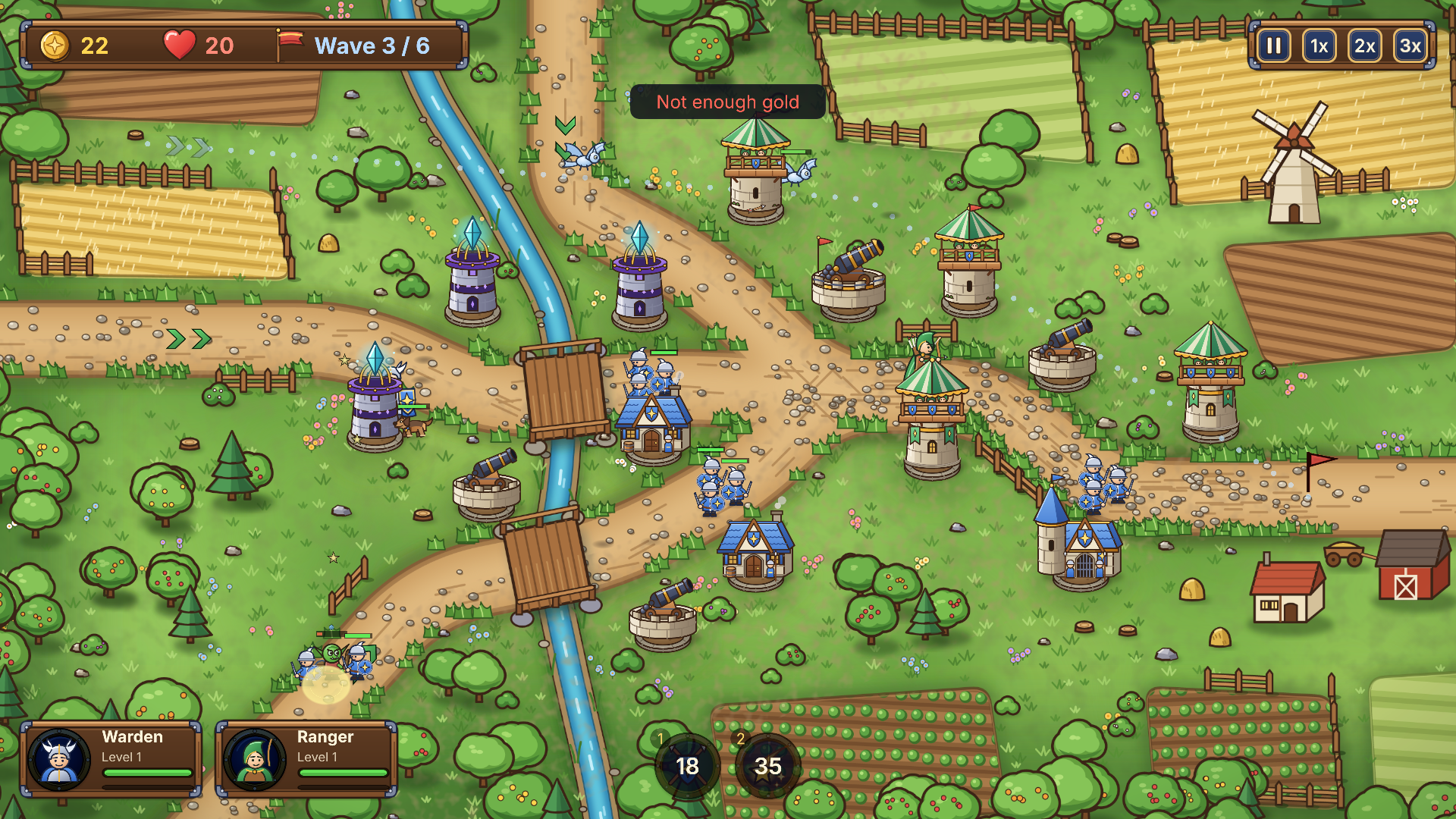
Build towers on the marked slots, upgrade them into branches, command the heroes and use spells. Low hero cards show a portrait, name, level, health and experience, with a border around the selected hero. The sample HUD uses Inter and separate padded text regions for button titles and prices. See Presentation to replace the theme, fonts and artwork.
Title and campaign flow
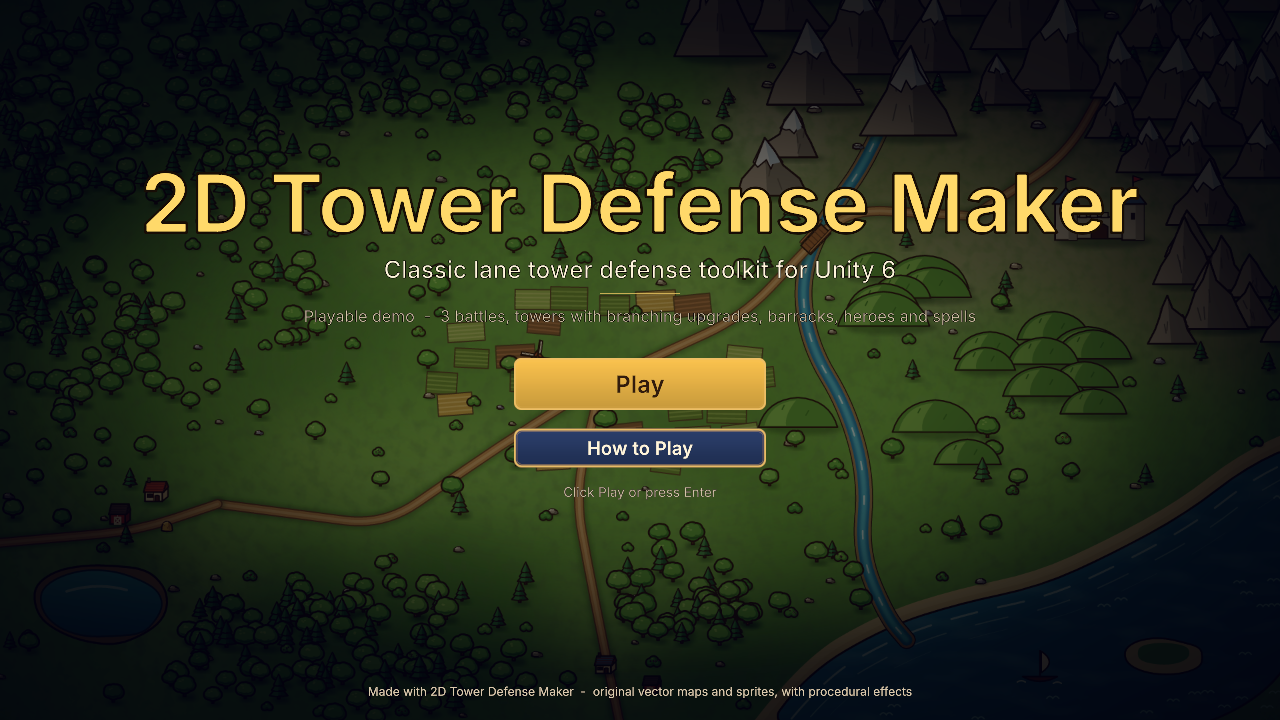
Open Assets/TDMaker/Samples/Demo/DemoSample.unity for the title, save slots, campaign map and three battles. The sample is included in the package. See Quick start and Campaigns.
Permanent upgrades
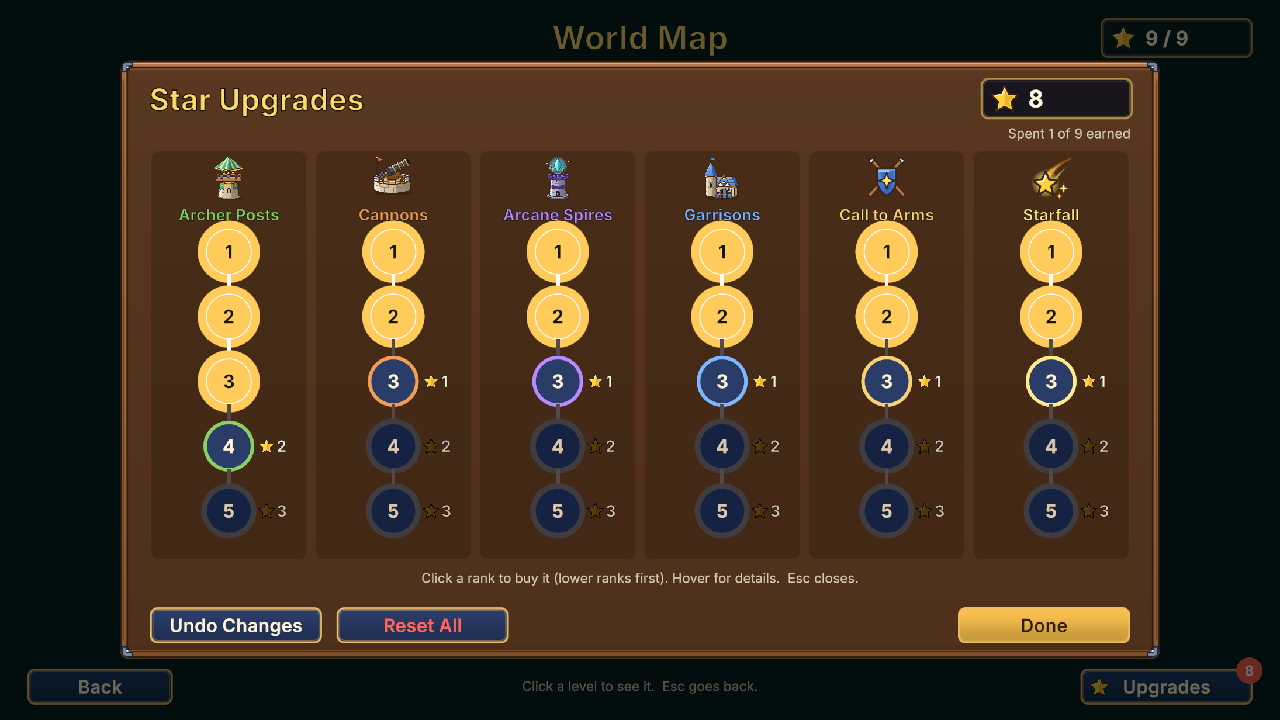
Spend campaign stars on ordered upgrade tracks, inspect each rank and undo or reset purchases. Configure the content through the upgrade shop assets. See Campaigns and upgrades.