Quick start
- Import the package. Everything lives in
Assets/PixelUnitStudio/. - Choose Tools > Pixel Legion Maker > Open Editor and press Play.
- Pick a slot on the left (Eyes, Hair, Helmet, Main hand, ...), then a part on the right. Click a color swatch to dye the part, or + to mix any color. Pick a skin tone above the preview.
- Press Save and give the hero a name. The prefab is written to
Assets/PixelUnitStudio/Units/HERO_<NAME>.prefab. - Open Tools > Pixel Legion Maker > Open Game Sample and press Play to see saved heroes act in a scene.
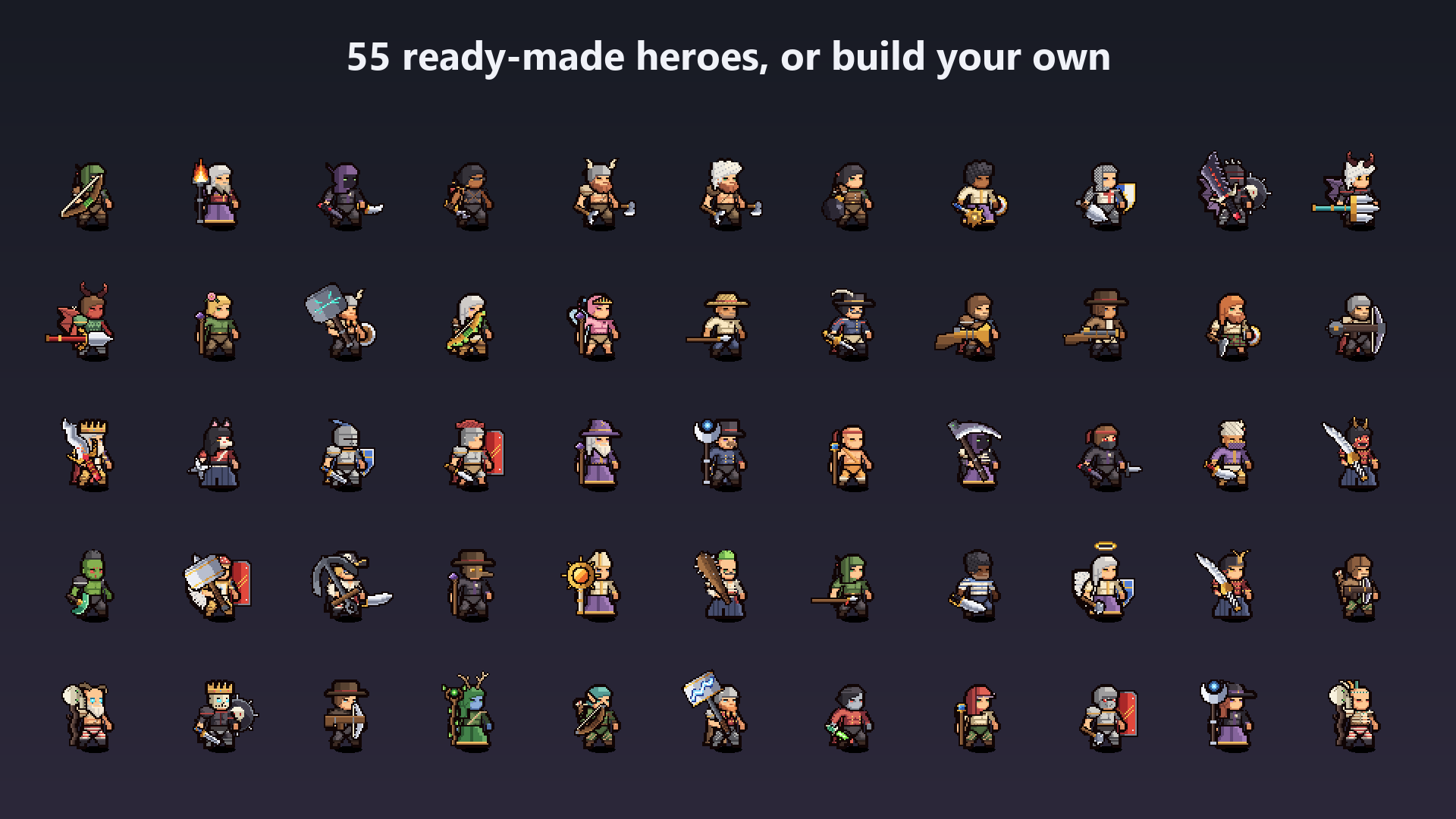
55 example heroes are included in Units/ (knight, priest, ninja, witch, fencer, crusader, vampire, orc, fairy and more).
Samples
| Scene | Shows |
|---|---|
Samples/LegionGameSample.unity |
Saved heroes attacking, shooting projectiles on hit events and playing custom actions |
Samples/LegionAssemblySample.unity |
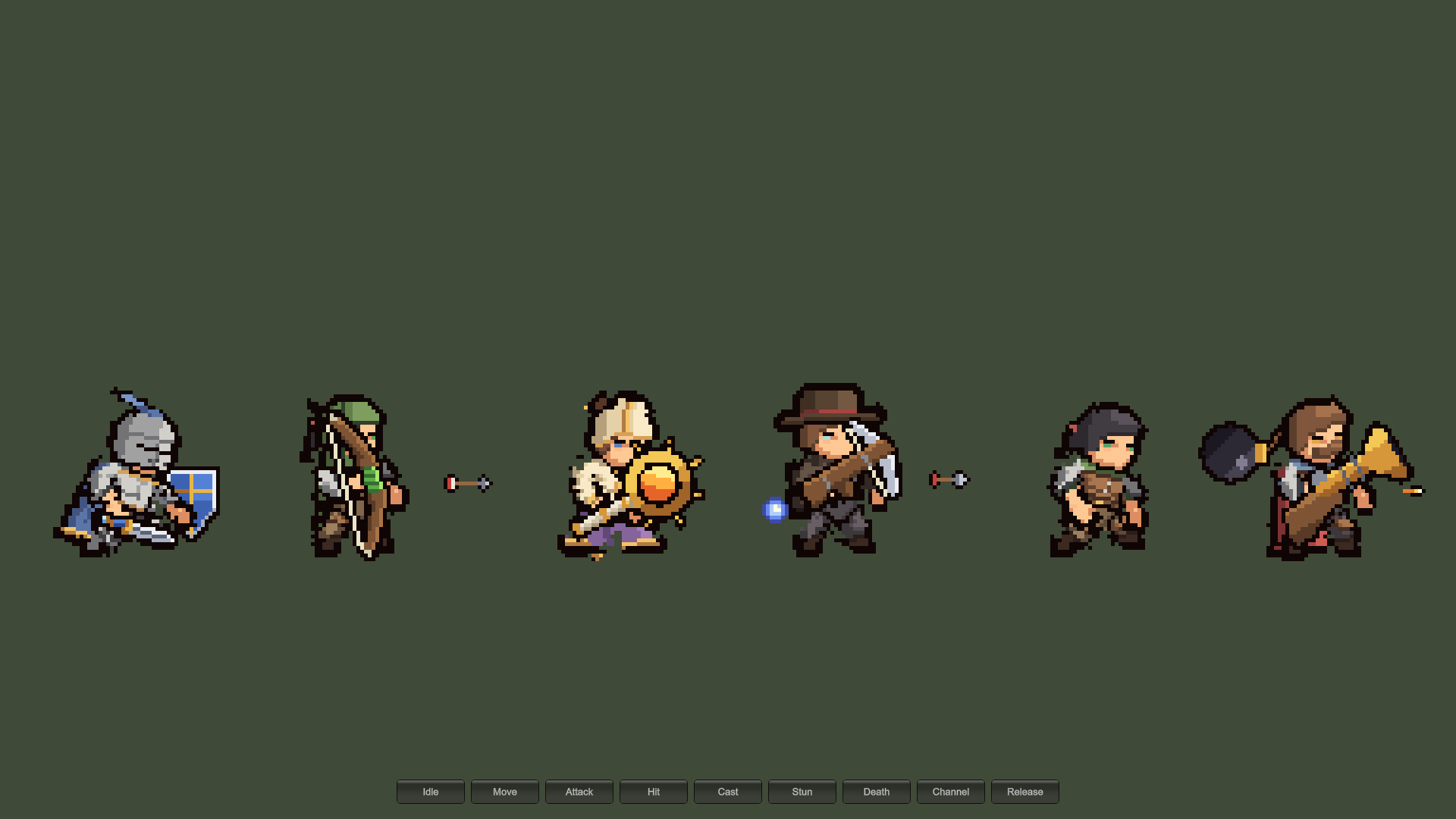
Six heroes built at runtime from recipes and seeds; Shuffle rebuilds them and Dye recolors them |
Open them with Tools > Pixel Legion Maker > Open Game Sample and Open Assembly Sample. Open Editor returns to the hero editor.
Menu
| Tools > Pixel Legion Maker | Does |
|---|---|
| Open Editor | Opens the hero editor scene |
| Open Game Sample / Open Assembly Sample | Opens a sample scene |
| Online Documentation | Opens this manual |
| Build Catalog | Rebuilds the part catalog by hand (it also rebuilds by itself, see Your own parts and weapons) |
| Export Saved Hero Sheets | Writes frame sheets for every saved hero (Frame sheets) |
| Build Animations, Build Editor Scene, Import Rig and Open Preview | Regenerate the clips, the editor scene and the rig preview |