Five-minute demo
- Choose Tools > Survivor Roguelite Maker > Prepare Demo Text Resources and wait for the import to finish.
- Choose Tools > Survivor Roguelite Maker > Build Demo.
- Open
Assets/SurvivorsMaker/Samples/Demo/Scenes/ArenaDemo.unity. - Press Play.
Play the first loop
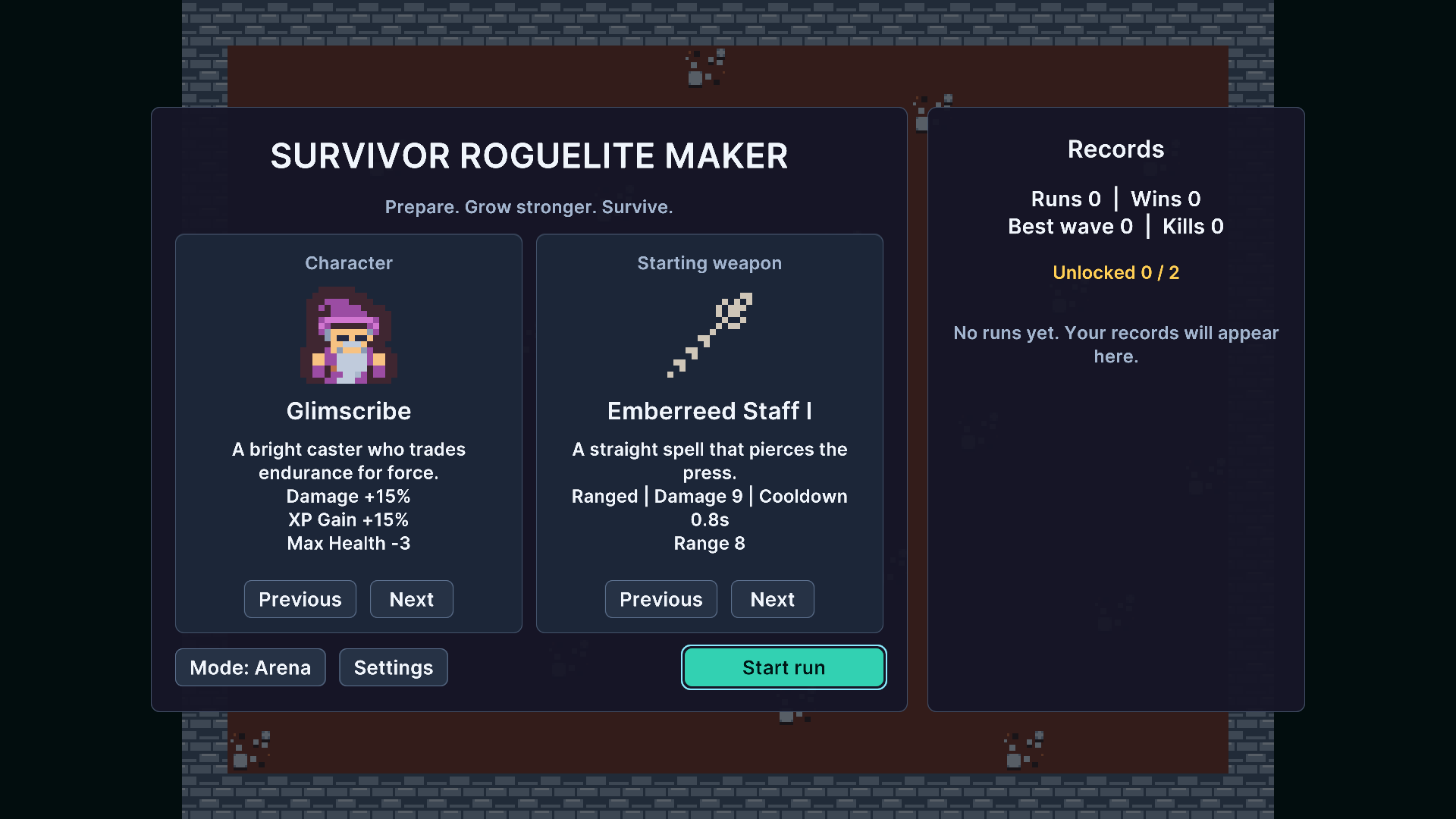
Choose a character, a starting weapon and a mode. Start the run, move to avoid enemies and let automatic attacks run.
- Arena: survive a wave, choose upgrades and visit the shop.
- Field: choose upgrades during the wave and continue fighting.
The HUD displays health, experience, level, wave and currency. Open the pause menu to adjust options.
Edit the demo
Edit the included content under Assets/SurvivorsMaker/Samples/Demo/. The builder regenerates its output when you run Build Demo. Keep lasting changes in your own game folder.
To create an independent game, choose Tools > Survivor Roguelite Maker > New Game Project....
Documentation home · Installation · Samples · Ten-minute first game