Status Weapon
Goal
Add status on hit.
Procedure
- Start with a working weapon and append an ApplyStatus entry to OnHit.
- Select a built-in status or registered Behaviour id.
- Set Chance, DurationSeconds, TickSeconds/Magnitude and stacking limits.
- Check the target enemy immunity lists and elite modifiers.
- Compare hit and status events, including stacked burn damage timing.
Verify
An immune target must remain unaffected; a valid application emits StatusApplied with the behaviour id.
Entry point and reference fields
Entry point: Use the corresponding Content inspector and Tools/Survivor Roguelite Maker/ tools.
| Field / API | Purpose |
|---|---|
OnHit |
Ordered proc list |
Stacking / MaxStacks |
Refresh/stack policy |
StatusImmunityIds |
Custom-id immunity |
Figure
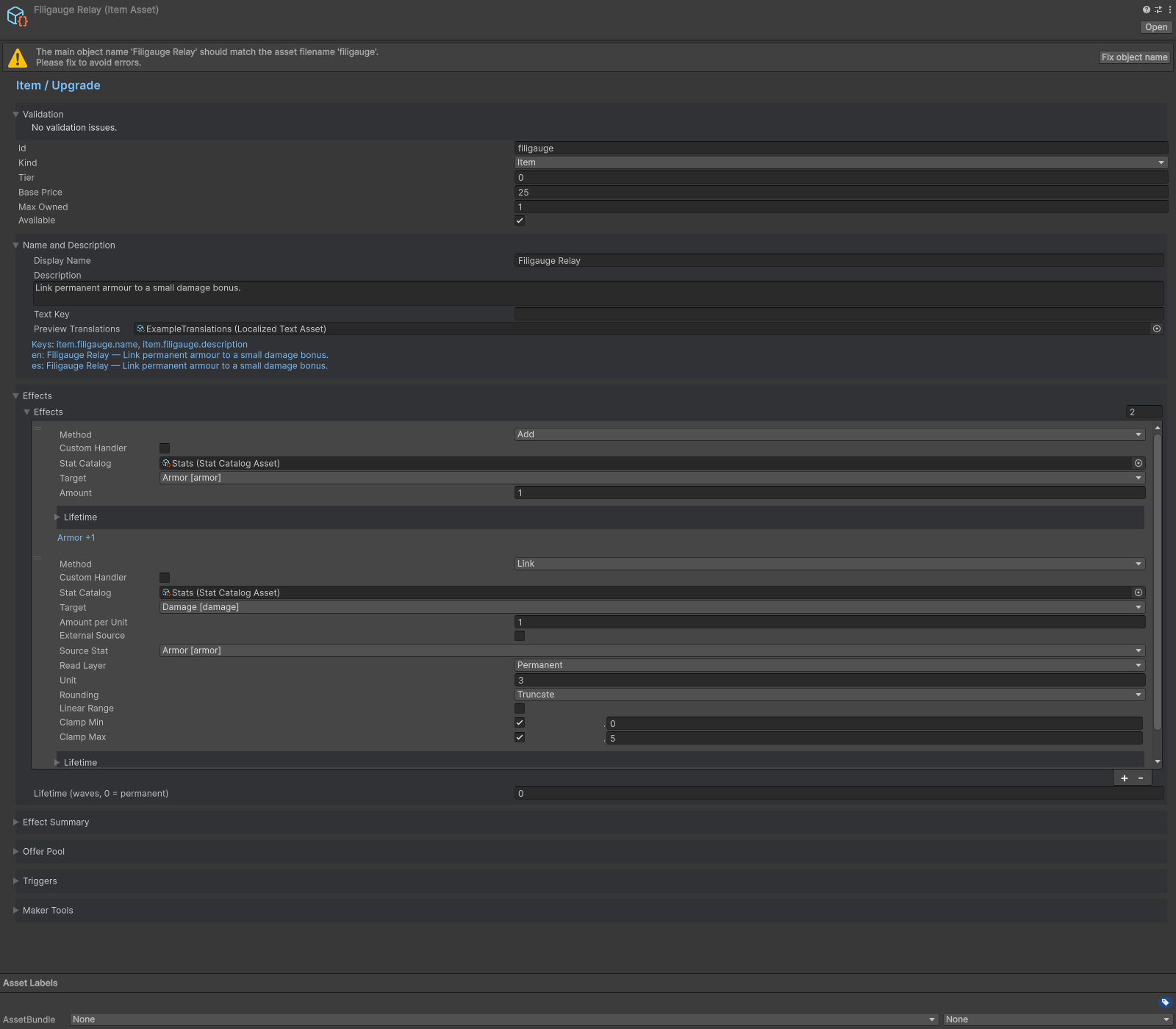
Item inspector with Link effect source and scaling fields.
Check your result
Validate connected content before starting a new measurement or run. Keep the settings, seed and content version with any result you compare. For code-only adapters, compile against the package version you ship and configure the required authored data before gameplay.
Documentation home · Weapon Evolution · Boss Wave · Custom Weapon