Index
| Menu suffix | Question |
|---|---|
| Content Browser | Are my content references and rules valid? |
| Wave Editor | What is scheduled to spawn, and when? |
| Balance Simulator | How do bots perform across whole runs? |
| Run Pacing | Where does wave threat outgrow player power or income? |
| Build Lab | What does this fixed character/items/weapons build actually do? |
| Horde Preview | Where are enemies at a recorded moment of a wave? |
| Weapon Lab | How does one weapon behave at different reach/density/stat values? |
| Offer Odds | What appears in seeded offer paths under these rules? |
| Content Table | How can I inspect and edit many assets together? |
Asset context menus also link waves to Horde Preview/Run Pacing, weapons to Weapon Lab/Build Lab, and items/characters to Build Lab. These shortcuts preselect a context; check content/settings before comparing reports.
IMakerAnalysis provides Pacing, EvaluateBuild, TrialBuild, PlayWave, WeaponLab and OfferOdds. MakerAnalysis is the default implementation. Long operations expose IAnalysisJob<T> with Step, Progress, Cancel and Result. Do not read a final Result until Step reports completion; cancelled results contain completed samples. Read elapsed timing as wall-clock metadata.
This complete helper evaluates an existing request without running a scene:
using SurvivorsMaker.Balance;

namespace MakerManualExamples
{
    public static class BuildReportExample
    {
        public static BuildReport Evaluate(BuildTrialRequest request)
        {
            IMakerAnalysis analysis = new MakerAnalysis();
            return analysis.EvaluateBuild(request);
        }
    }
}
Supply Content, Settings, SimSettings, Arena and a BuildSpec whose ids exist in that content. The editor windows construct these requests for you. Register custom rules explicitly when integrating a custom analysis host.
Entry point and reference fields
Entry point: Tools/Survivor Roguelite Maker/
| Field / API | Purpose |
|---|---|
Content |
Selected registry |
Settings override |
Empty uses Content.Settings |
Job |
Step, Progress, Cancel, Result |
Figure
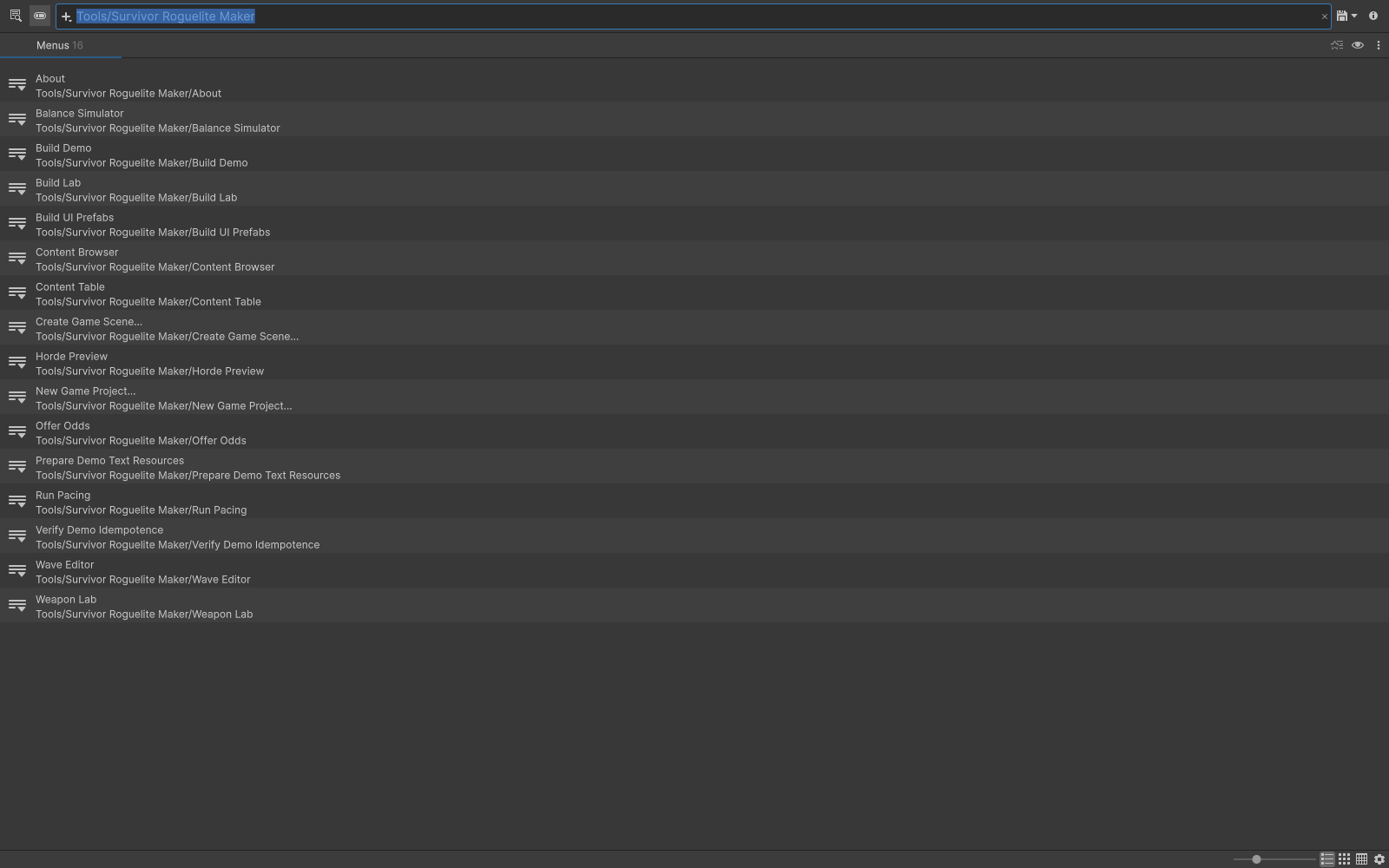
Unity Search listing the Survivor Roguelite Maker tool commands.
Check your result
Validate connected content before starting a new measurement or run. Keep the settings, seed and content version with any result you compare. For code-only adapters, compile against the package version you ship and configure the required authored data before gameplay.
Documentation home · Content Browser · Wave Editor · Balance Simulator